

Pixel pitch is the distance, measured in millimeters, between the center of one LED pixel and the center of the next. The smaller that measurement, the more pixels fit into each square meter, and the higher the resolution a display delivers for a given physical size. In professional audiovisual integration, it is the first spec that narrows down which models can work in a boardroom, an auditorium, a retail space or a digital signage installation, because it indicates roughly the distance at which the eye stops perceiving the grid of dots that forms the image — although, as explained below, that distance is not a guarantee of legibility, and the industry’s various rules of thumb do not agree with each other.


What Pixel Pitch Measures and How It Translates Into Resolution
The term refers to the center-to-center distance between LED clusters, not the size of the diode itself. A 1.5 mm pitch means each pixel sits 1.5 mm from the next, both horizontally and vertically. That figure, combined with the wall’s physical dimensions, sets the total resolution available: a 5 × 2.8 m (16.4 × 9.2 ft) wall at a 1.5 mm pitch delivers around 3,300 × 1,860 pixels, regardless of the video processor or the source signal.
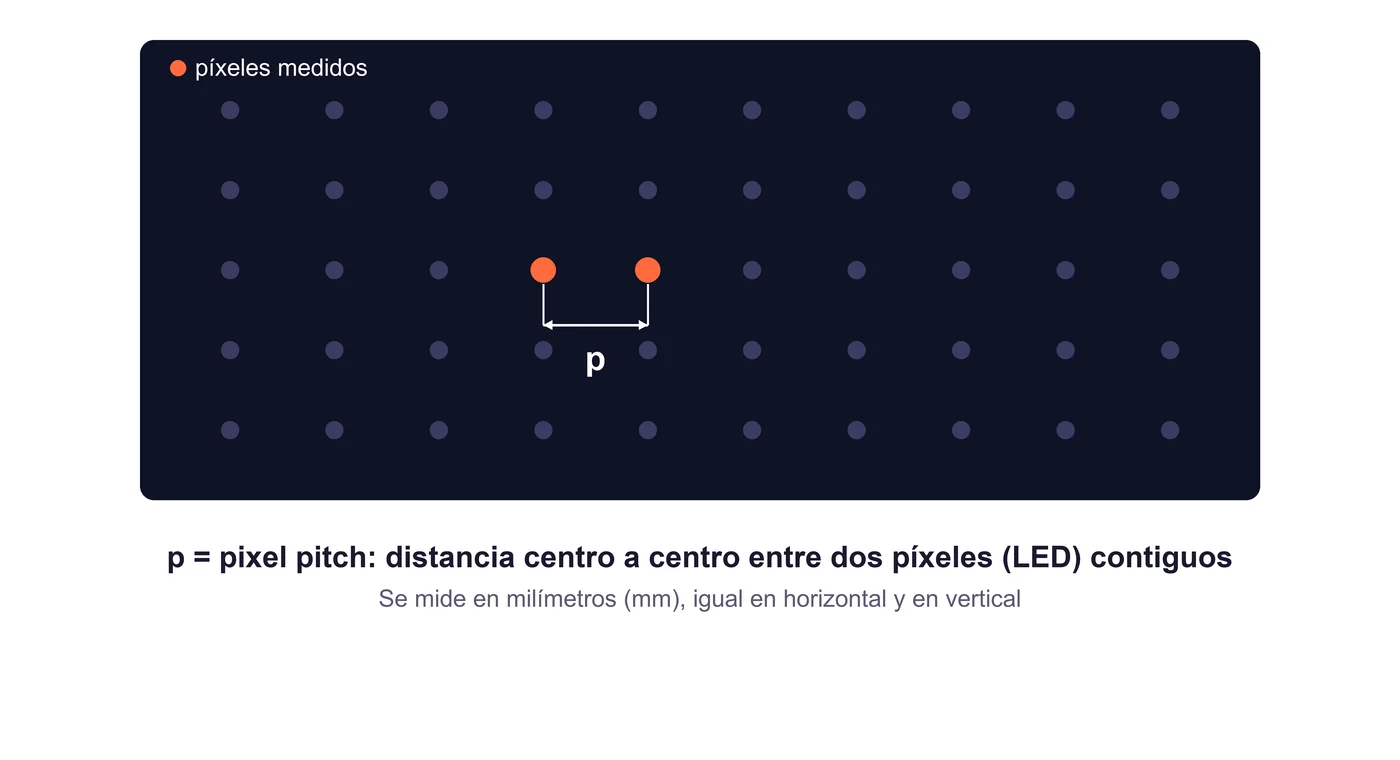
That’s why two displays of the same physical size can have very different resolutions depending on their pixel pitch, and why pitch gets fixed before looking at specific brands or models: first the project’s required pixel density is resolved, and only then does the search turn to which professional LED display models deliver it within the available budget.


Two Distances That Are Not the Same Measurement
LED display manufacturers typically distinguish between the distance at which a reference-vision eye stops resolving individual pixels and a comfortable viewing distance intended as a guideline for sustained content consumption. Manufacturer Planar publishes a formula for the first, the Visual Acuity Distance (VAD): pitch in millimeters × 3.438 = minimum distance in meters, a calculation based on reference human visual acuity (20/20). The same formula also circulates in a post from a member of the AVIXA Xchange community, written by Agil Huseynov, CEO of AVENDOR — presented there as one professional’s industry contribution, not as an official AVIXA association position.
The comfortable viewing distance that Planar publishes in the same table is, consistently, roughly half the VAD. Both figures are indicative — built on reference vision and generic content, not on the actual audience of any given project — and neither one guarantees comfortable readability: both estimate, using different criteria, the distance beyond which the pixel grid stops being perceptible, not the distance at which a specific piece of text or graphic reads well.




Three distinct ideas should not be confused: visual acuity indicates when a reference eye stops resolving individual pixels; comfortable distance is a general estimate for sustained content consumption; and the legibility of a specific piece of content — small text, a table, a fine chart — also depends on its size, design and resolution, not on pitch alone.
| Pixel Pitch | Visual Acuity Distance (VAD) | Comfortable Distance (indicative) |
|---|---|---|
| 0.75 mm | ≈ 2.58 m (8.5 ft) | ≈ 1.29 m (4.2 ft) |
| 1.00 mm | ≈ 3.44 m (11.3 ft) | ≈ 1.72 m (5.6 ft) |
| 1.25 mm | ≈ 4.30 m (14.1 ft) | ≈ 2.15 m (7.1 ft) |
| 1.50 mm | ≈ 5.16 m (16.9 ft) | ≈ 2.58 m (8.5 ft) |
| 2.50 mm | ≈ 8.60 m (28.2 ft) | ≈ 4.30 m (14.1 ft) |
| 3.00 mm | ≈ 10.31 m (33.8 ft) | ≈ 5.16 m (16.9 ft) |
Indicative values, calculated with the formula published by Planar. Neither column is a guaranteed reading distance: both are starting points for ruling out pitches that clearly don’t fit the actual distance of the nearest viewer, not a closed specification.
The three factors — physical size, pitch and distance — need to be read together, not separately. The 5 × 2.8 m wall at a 1.5 mm pitch from the earlier example has a resolution of 3,333 × 1,867 pixels before rounding to module dimensions. For that combination, Planar places the Visual Acuity Distance (VAD) at 5.16 m (16.9 ft) and the indicative comfortable distance at 2.58 m (8.5 ft): below 5.16 m, a reference eye could still resolve individual pixels, so standing at the 2.58 m comfortable distance doesn’t mean a higher pixel density could no longer be appreciated — only that it’s Planar’s estimate for sustained content consumption. If the front row of that same project sat at 1.5 m — below both distances — the fix isn’t to enlarge the display while keeping the same resolution, which would only make the pitch coarser; it’s to consider a finer pitch for that same surface area and test real content before closing the specification. Neither distance is a guarantee of legibility.
Why the Industry’s Rules of Thumb Give Different Numbers
Manufacturer Christie offers a different heuristic from the VAD: roughly one meter of minimum viewing distance per millimeter of pitch — a 1.5 mm wall would be considered pixel-free from about 1.5 m (5 ft) away. That’s a noticeably more permissive figure than Planar’s VAD for that same pitch (5.16 m): Christie’s rule allows viewing from much closer to the panel than the visual-acuity calculation suggests. Christie doesn’t publicly detail the exact methodology behind that figure, so it’s worth treating it as a simplified field heuristic, not as a visual-acuity metric equivalent to the VAD.
It follows the same rule-of-thumb logic used as a first filter to rule out options, not as a closed specification. Given the lack of a published rationale for Christie’s figure, the prudent approach is to use either rule only to eliminate pitches that clearly don’t fit, and to always validate the final distance with the specific manufacturer before closing the project.
A Practical Example: Front Row at 2.5 Meters
Consider a project with the front row of viewers 2.5 meters (about 8.2 ft) from the display. Applying Planar’s formula in reverse (distance ÷ 3.438), only a pitch of roughly 0.73 mm or finer would place the VAD at that 2.5-meter mark or closer — the strictest criterion, designed so that not even a reference eye perceives the grid from the front row. Applying Christie’s heuristic instead (pitch ≈ distance in meters), any pitch of up to 2.5 mm would fall within its recommendation for that same distance.
Between those two extremes — roughly 0.73 mm and 2.5 mm — lies a considerable difference in price and product availability, and neither rule alone resolves which is the best option: they only narrow down a range of candidate pitches that aren’t ruled out outright. Planar’s formula is strict because it assumes reference vision and generic content; Christie’s is a field simplification with no published methodology. Neither replaces a test with the project’s actual content, and no pitch within that range is automatically the right choice.
Before closing the specification within that range, it’s worth checking at least: the actual distance of the nearest viewer, measured on the floor plan rather than estimated by eye; the minimum size of text or graphic elements the regular content will display; the space’s ambient lighting conditions; and, if the display will sit in front of a camera, the refresh rate — which adds another variable to the list. With those answers in hand, it makes sense to ask the candidate manufacturer for a test with real content at the preselected pitch, rather than closing the purchase on a rule of thumb alone.
What Else Decides the Choice of a Professional LED Display
Required brightness depends mainly on the space’s ambient light: a controlled indoor environment needs far less brightness than an outdoor location with direct sunlight, where a substantial jump is needed to keep contrast legible. There’s no single, universally verifiable nit figure that works for every project — the ranges that circulate in commercial documentation vary from one manufacturer to another with no common reference source — so it’s worth always requesting the certified figure for the specific model under the space’s real lighting conditions, rather than accepting a generic market number.
Refresh rate matters especially when the display will be captured by a broadcast or virtual-production camera. Manufacturer Liantronics places the threshold for a high-performance LED display at 3,000 Hz or higher, recommending 3,840 Hz for photography, film and live broadcasts that need a result free of scan lines — an artifact distinct from moiré, which the same manufacturer attributes to the interaction between the pixel grid and the camera sensor, and which a higher refresh rate alone does not eliminate. It’s a manufacturer figure, not an independent broadcast standard, but it illustrates why insufficient refresh can look fine to the naked eye and still fail in front of a camera.
The LED technology itself also shapes which pitch is practical to manufacture. As Instalia explains in its analysis of SMD and COB LED displays, SMD modules solidly cover the medium-to-coarse pitch range, while COB packaging dominates the finest end — without being the only route, since the latest generation of SMD modules can also reach fine pitches. That’s one of the reasons COB technology appears frequently in very fine-pitch installations for broadcast and corporate rooms, alongside the uniformity and mechanical resilience that same analysis attributes to it.
Pixel Pitch Applied to Meeting Rooms, Broadcast and Retail
Meeting Rooms and Corporate Spaces
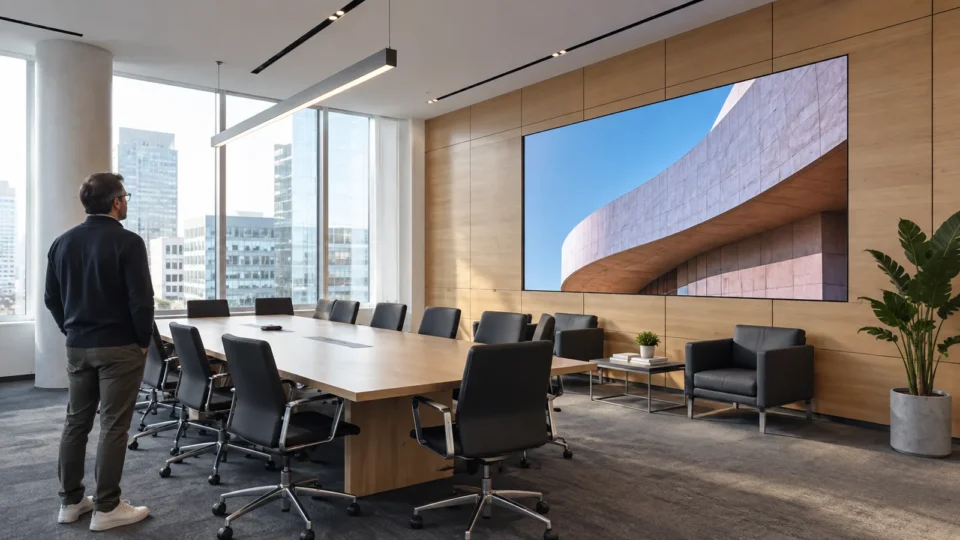
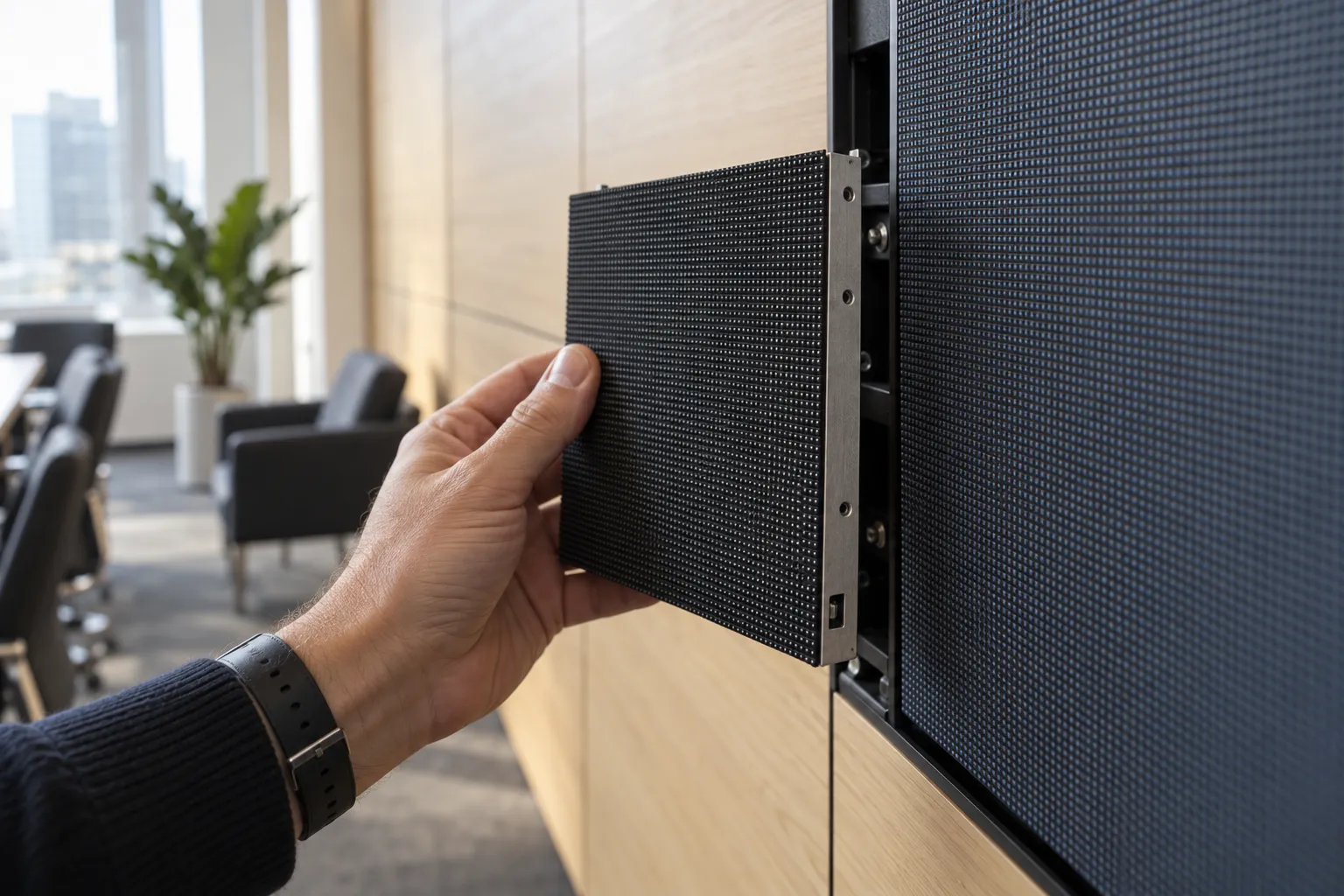
The front row typically sits two to three meters from the display, which in market practice places the usual pitch for meeting rooms and corporate spaces in a rough range of 0.9 to 2.5 mm — finer the closer the audience sits — without a single manufacturer figure fixing it precisely. The practical criterion here isn’t distance alone: content usually includes presentation text, spreadsheets or video calls with several participants on screen at once, so it’s worth leaning toward the finer end of the range when budget allows, because that kind of content is rarely designed to read well from a distance.
Auditoriums and Broadcast Production
When a display will be captured by camera, a fine pitch and a sufficient refresh rate reduce the risk of scan lines in the recorded signal, as explained above; moiré is a separate phenomenon, tied to the interaction between the pixel grid and the camera sensor, which a higher refresh rate alone does not eliminate. A real case that illustrates this type of project is Alfalite’s installation at RTVE’s Studio A3 in Torrespaña, with 1.5 mm NEOPIX modules in COB technology, where fine pitch, color uniformity and a high refresh rate coexist in a single broadcast environment.
Retail and Digital Signage
In storefronts, points of sale or digital signage, the audience is usually several meters away, sometimes on the move, which allows coarser pitches without losing perceived legibility. There, the savings per square meter over a fine pitch tend to outweigh the real image improvement a passerby would notice at that distance.
Choosing Pitch by the Project’s Real Distance, Not the Spec Sheet
A common mistake isn’t choosing too coarse a pitch — it’s overpaying for one finer than the project actually needs. The starting point is always the nearest viewer’s distance, not the room’s size or the manufacturer’s catalog maximum resolution: from there, a range of candidate pitches is narrowed down using the guideline rules in this article — as in the 2.5-meter example — and the final specification is closed with the manufacturer, validating real content, brightness, refresh rate and viewing angle for the specific case.
That criterion — real distance first, spec sheet second — is the same one applied by the audiovisual integration projects that age best: they neither overspend on a resolution nobody will notice, nor compromise content legibility to save on a pitch that’s insufficient for the audience’s actual distance.
Frequently Asked Questions
Is a finer pixel pitch always better?
Not necessarily. A finer pitch raises the price per square meter and only delivers real value if the audience will be close enough to appreciate that extra pixel density. If the project’s minimum distance is already covered by a coarser pitch, that budget margin usually pays off more in brightness, refresh rate or installation quality.
Is applying a distance formula enough to specify the pitch?
No. Visual-acuity and comfortable-distance formulas narrow down a range of candidate pitches, but they don’t confirm whether a specific piece of text, a table or a logo will actually read well — that also depends on the content’s size and design, its resolution, and the space’s lighting. The only reliable way to close the specification is to test real content at the preselected pitch.